Assorted Light Overlay
Assorted Util

Assorted Light Overlay

Adds a key to show the light level where mobs can spawn.

Also included in Assorted Util.

Turning on the light overlay in a dark tunnel, then placing a torch.

Press F7 to show the block light on the ground around you. Press it again to turn it off.
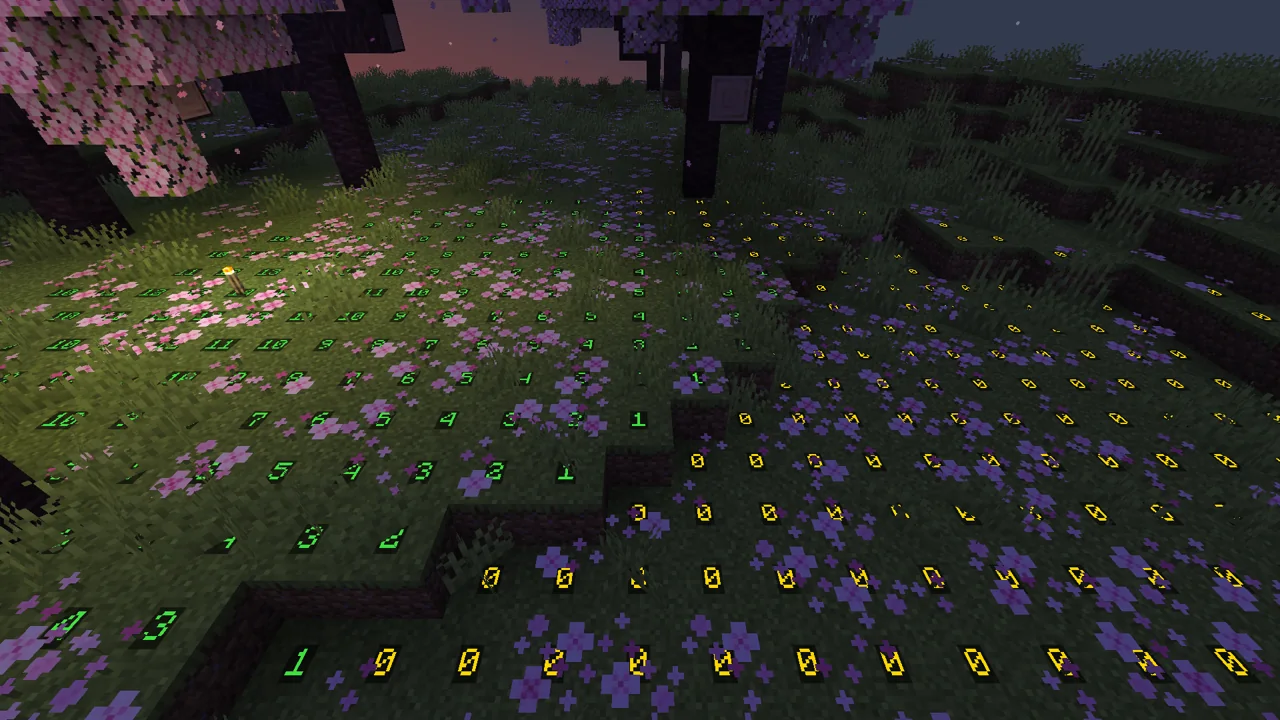
Green around a torch where monsters can never spawn, yellow where they can once it gets dark.

Red is where a monster can spawn at any time, yellow where one can only at night or in a storm, and green where one never can.
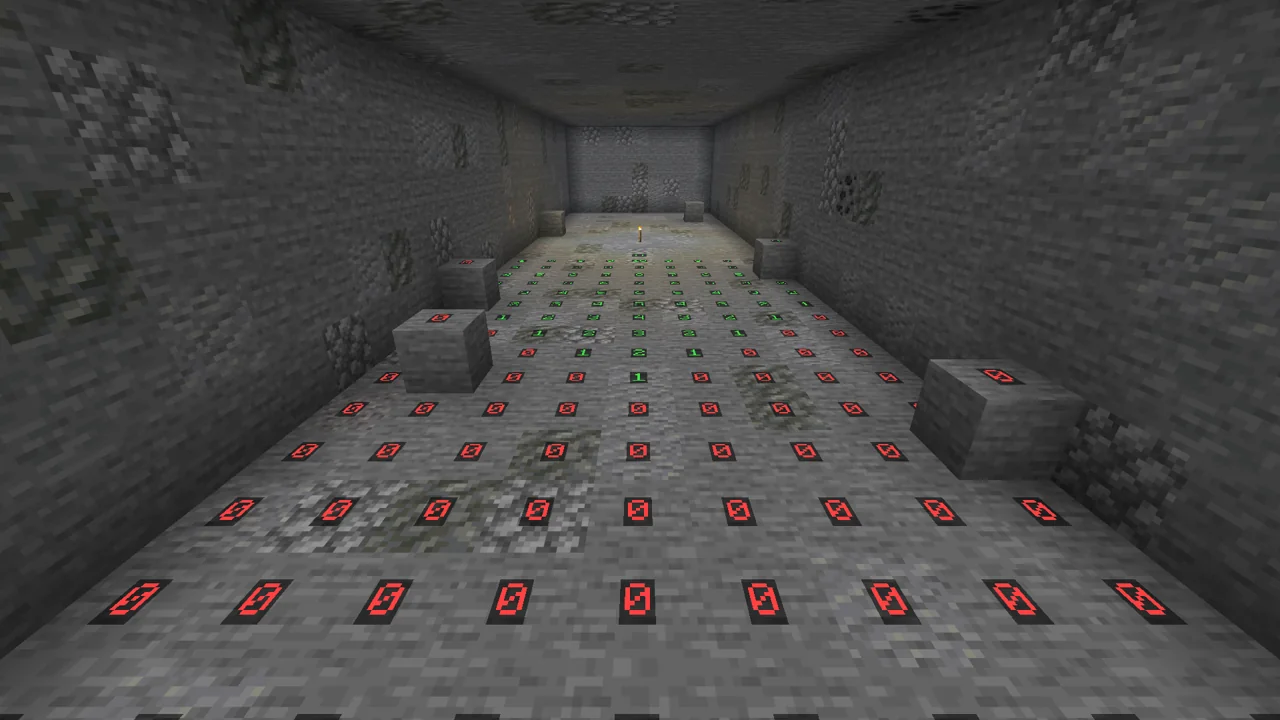
Underground the numbers show how far a torch's light reaches, with red where monsters can spawn any time.

You can change the key in the controls menu.

This one only needs to be in your own game, so it works on any server.

Config

These are in the assortedlightoverlay-client config file. They only change your own game, so everyone can set their own.

  • lightOverlay.radius is how many blocks around you the overlay reaches. 16 by default.
  • lightOverlay.showSafe shows the green spots where monsters never spawn. On by default. Turn it off to only see the unsafe spots.